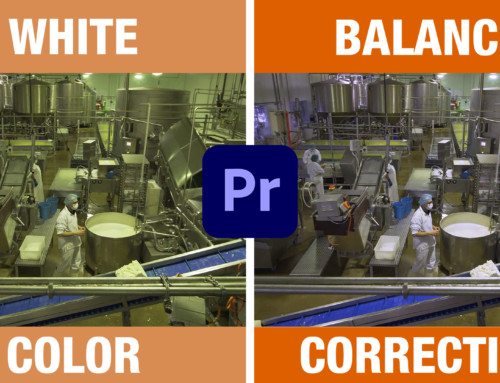
3 color grading techniques to give you the power to manipulate the footage to make it have the “feel” you want.
All using RGB curves in Premiere Pro
Guide steps for the color grading process.
Basics
1) Set contrast
2) Color correct
3) Create your grade (warm, cool, neutral, etc)
4) Use masks to control areas
5) Use mask color selections to manipulate a specific color range.
Have a question or topic you want to learn or to see more examples simply let me know in the comments and I’ll be happy to hear from you.